Free text to speech

Practical voice guide

A Clear Way to Learn How to Use Text to Speech

This guide shows how to use text to speech with a short script, a careful listen, and a final check. Start with a few sentences rather than a long document so you can spot problems before preparing the rest.

Check the result before sharing
Text To Speech landing visual

prerequisites

Have a short, edited passage ready before you open a voice tool. Decide who will hear it and where the audio will be used; those choices make the first preview easier to judge.

numbered steps

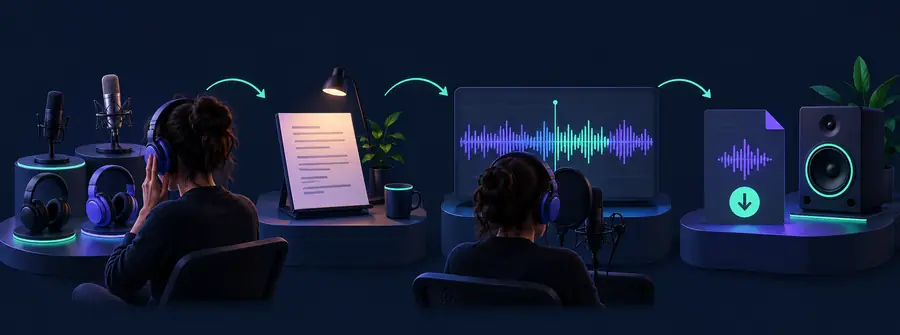
Work in small passes: prepare the script, listen to a preview, then revise what sounds wrong. The available voice and output controls depend on the tool you choose.

  1. 1

    Prepare a spoken version

    Paste a brief passage and read it once yourself. Expand abbreviations that could be ambiguous, add sentence-ending punctuation, and break dense paragraphs into shorter sentences. Write numbers the way you want listeners to hear them when their meaning is unclear: for example, a year may be spoken differently from a quantity. Keep headings only if they should be read aloud.

  2. 2

    Generate and listen

    Open your chosen text to speech tool, enter the passage, and generate a preview using the options it provides. Listen from beginning to end with the intended audience in mind. Pay attention to names, dates, pauses, and places where a sentence changes meaning if the emphasis falls on the wrong word. Do not assume that a readable script will automatically sound natural.

  3. 3

    Revise and check again

    Change the source text where you hear a mistake, then make another preview. For a tricky name, try a phonetic spelling in a working copy, but check that it still makes sense if the text will be shown to readers. Once the spoken result is accurate, listen to the full passage again; a fix in one sentence can create an awkward transition into the next.

common errors and fixes

Most first-pass problems are easier to solve in the script than in the audio. Use the symptom you hear to choose a small edit, then preview the affected sentence again.

Narrator

A name or abbreviation is spoken incorrectly. Spell out the abbreviation or test a pronunciation-friendly version of the name in a working copy, then compare the new preview with the original.

For a closer look at voice delivery, follow the guide to how to use text to speech ai voice.

how to use text to speech ai voice
Commuter

A long passage becomes hard to follow while listening on a phone. Divide it at natural topic changes and keep each sentence complete so playback can resume without losing the point.

For a mobile listening workflow, see how to use text to speech on phone.

how to use text to speech on phone

Editor

The reading rushes through a list or pauses in the wrong place. Replace comma-heavy sentences with shorter ones, use clear list items, and check whether punctuation creates the intended rhythm.

The guide to how to use text to speech ai voice offers more context for reviewing spoken delivery.

how to use text to speech ai voice

Student

The voice reads footnotes, web addresses, or formatting labels that are not useful to hear. Make a listening copy containing only the material needed for study, while keeping the original document intact.

If the listening copy is for a mobile device, continue with how to use text to speech on phone.

how to use text to speech on phone

advanced tips

Treat the script as instructions for a listener, not just words on a screen. A small rewrite often improves clarity more than repeatedly previewing unchanged text.

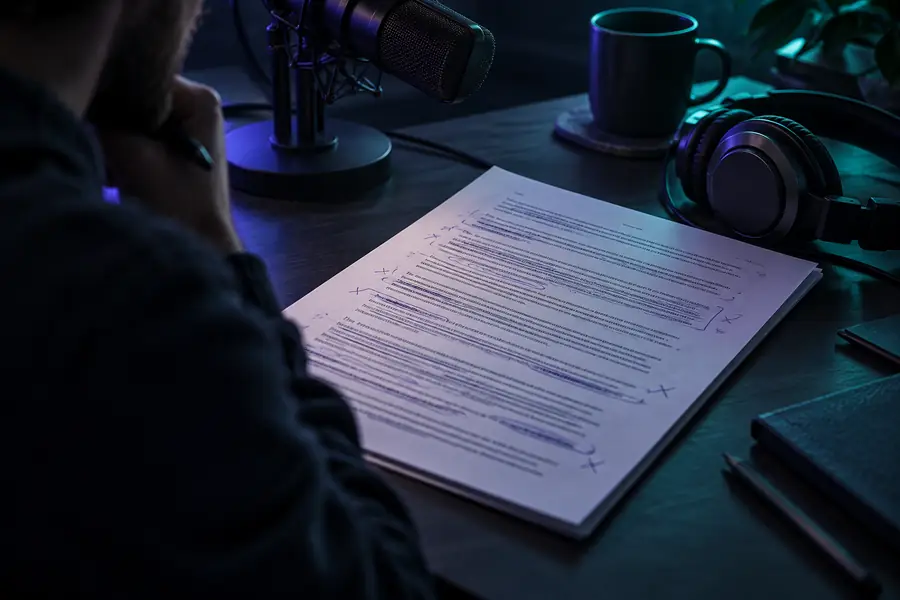
Visual example representing an unedited passage prepared for speech Written-first draft
Visual example representing a passage revised for clearer spoken delivery Listening-first revision
For example, revise “Dr. Lee will present the Q3 results on 04/05” to specify the title, quarter, and date as they should be spoken. Date formats can be interpreted differently, so write the month name when the intended reading matters. For longer projects, keep a small pronunciation list of names and terms, and apply it consistently. Review the final audio against the source text for omissions as well as mispronunciations.

Put a short script to the listening test

Start with one paragraph you already know well. Preview it, mark any words or pauses that sound wrong, and revise the text before moving on to a longer passage. Text To Speech can take you to the voice product to begin; check its available controls and terms there before relying on a particular workflow.

Try a voice preview
  • Begin with a passage short enough to review closely
  • Listen for meaning, pronunciation, and pacing
  • Keep the final script alongside the audio

tutorial FAQ

Bring a short passage that you have permission to process and a way to listen to the preview. It helps to know who the listener is and which names, numbers, or abbreviations need special attention. Check the chosen tool for its available input and output options.

Start by simplifying long sentences and adding punctuation where a listener needs a pause. Spell out ambiguous abbreviations and write dates or numbers in the form you want spoken. Preview each change rather than assuming the edit worked.

You can prepare a long document for spoken review, but dividing it into manageable sections makes mistakes easier to find. Listen to each section and then check the transitions between them. The amount of text a particular tool accepts depends on that tool.

The written form may have more than one plausible pronunciation or meaning. Try spelling out the intended reading in a working copy and preview the sentence again. Keep the original wording separately if it must remain unchanged for readers.

Yes. An edit that fixes one word may change the rhythm of the surrounding sentence, so listen to the affected part again. Before sharing, play the entire result and compare it with the final script for missing or repeated content.

Create audio
Create audio