Ambiguous words
A synthesizer may choose the wrong reading of a word such as “read” when the surrounding sentence gives too little context.
Workaround
Rewrite the sentence or spell out the intended wording, then listen again.
Voice synthesis
A text to speech synthesizer converts written words into spoken audio. Start with a short passage, listen for pronunciation and pacing, then revise the script until it sounds clear.
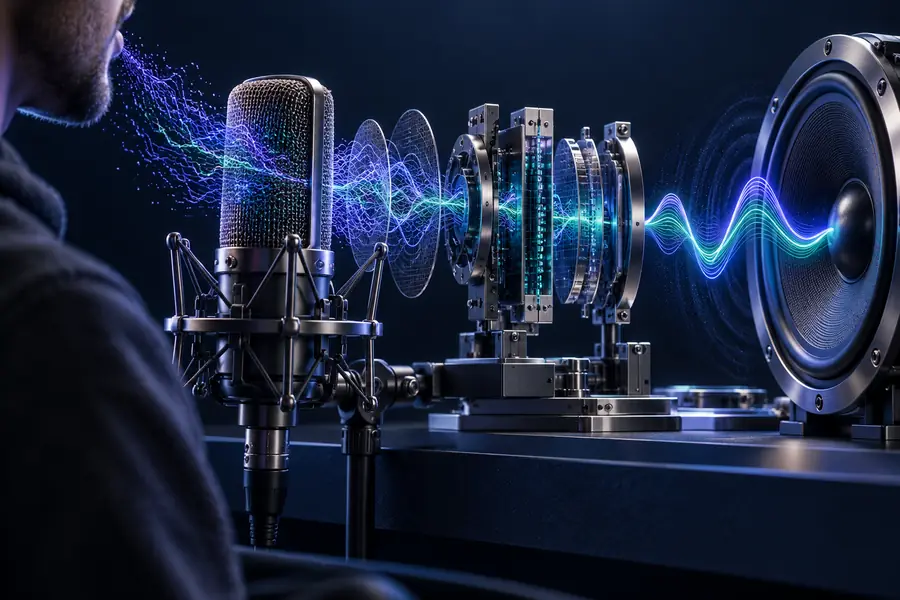
Three related questions help separate the synthesis process from the voice you hear and the audio you eventually use.
Speech synthesis reads what you provide; it does not automatically make a draft accurate, pronounce every name correctly, or grant permission to use a voice.
A synthesizer may choose the wrong reading of a word such as “read” when the surrounding sentence gives too little context.
Workaround
Rewrite the sentence or spell out the intended wording, then listen again.
Unfamiliar surnames, initials and specialist terms may sound different from how your audience expects to hear them.
Workaround
Test a short excerpt and adjust spelling or punctuation where the tool allows.
Generated speech cannot reliably infer every joke, emotional turn or deliberate pause from plain text alone.
Workaround
Break long sentences apart and add punctuation that makes the intended rhythm clearer.
Entering someone else’s confidential text or using a voice without appropriate permission can create problems that synthesis itself cannot resolve.
Workaround
Use text you are allowed to submit and check the destination’s terms before sharing sensitive material.
A useful run starts with the words, not with an assumption that the first audio result will be final.
Write for listening: use short sentences, spell out unclear abbreviations and put important information in a natural order.
Submit a brief section and, if the destination offers voice choices, select one that suits your audience. Available controls depend on the tool.
Check names, numbers, pauses and emphasis against the source text. Change the wording and regenerate any section that could mislead a listener.
The important before-and-after comparison is between what the sentence says on the page and how a listener understands it aloud.
 Written passage
 Reviewed speech
The right review depends on who will listen and what the spoken passage needs to accomplish.
Turn a short explanation into a passage students can listen to alongside the written version.
Read it back for terminology and pauses before sharing it with a class.
text to speech voiceDraft narration for a sequence whose timing may still change during editing.
Use the spoken draft to spot crowded sentences before committing to a final cut.
text to speech for audioListen to instructions that look clear on screen but contain dense lists or awkward numbers.
Revise the wording so each action is distinguishable when heard once.
text to speech voiceBoth approaches can communicate the same script, but they create different editing and review tasks.
Starting point
Speech synthesis
A written passage is submitted to a speech tool.
Human reading
A person reads a written passage aloud.
Script changes
Speech synthesis
Revise the text and generate another sample.
Human reading
Ask the reader to record another take.
Pronunciation
Speech synthesis
Listen for misread names and ambiguous terms.
Human reading
Give the reader pronunciation guidance.
Expression
Speech synthesis
Depends on the available voice and controls.
Human reading
The reader can interpret direction in the moment.
Consistency
Speech synthesis
A selected voice can provide a repeatable starting point.
Human reading
Delivery may vary between recording sessions.
Final review
Speech synthesis
Check generated speech against the source script.
Human reading
Check the recorded take against the source script.
Choose a short excerpt with at least one name, number or natural pause. Listen closely, revise anything that sounds unclear, and check the destination’s available controls and terms before using the result in a larger project.
Try speech generationIt turns written text into spoken audio. The wording, punctuation and available voice settings all affect what you hear, so the result should be checked rather than treated as a perfect reading.
No. A recorder captures a sound that has already been spoken, while a synthesizer creates speech from text. You can review either result against the script, but changing a synthesized line usually begins by editing the text.
A name, abbreviation or word with multiple pronunciations may not provide enough context for the intended reading. Try a clearer sentence or a phonetic spelling, then listen to the new result.
It can be useful for drafts and some finished passages, but suitability depends on the audience and the delivery you need. If a passage relies on subtle emotion, unusual terminology or precise timing, compare a generated sample with a human reading before deciding.